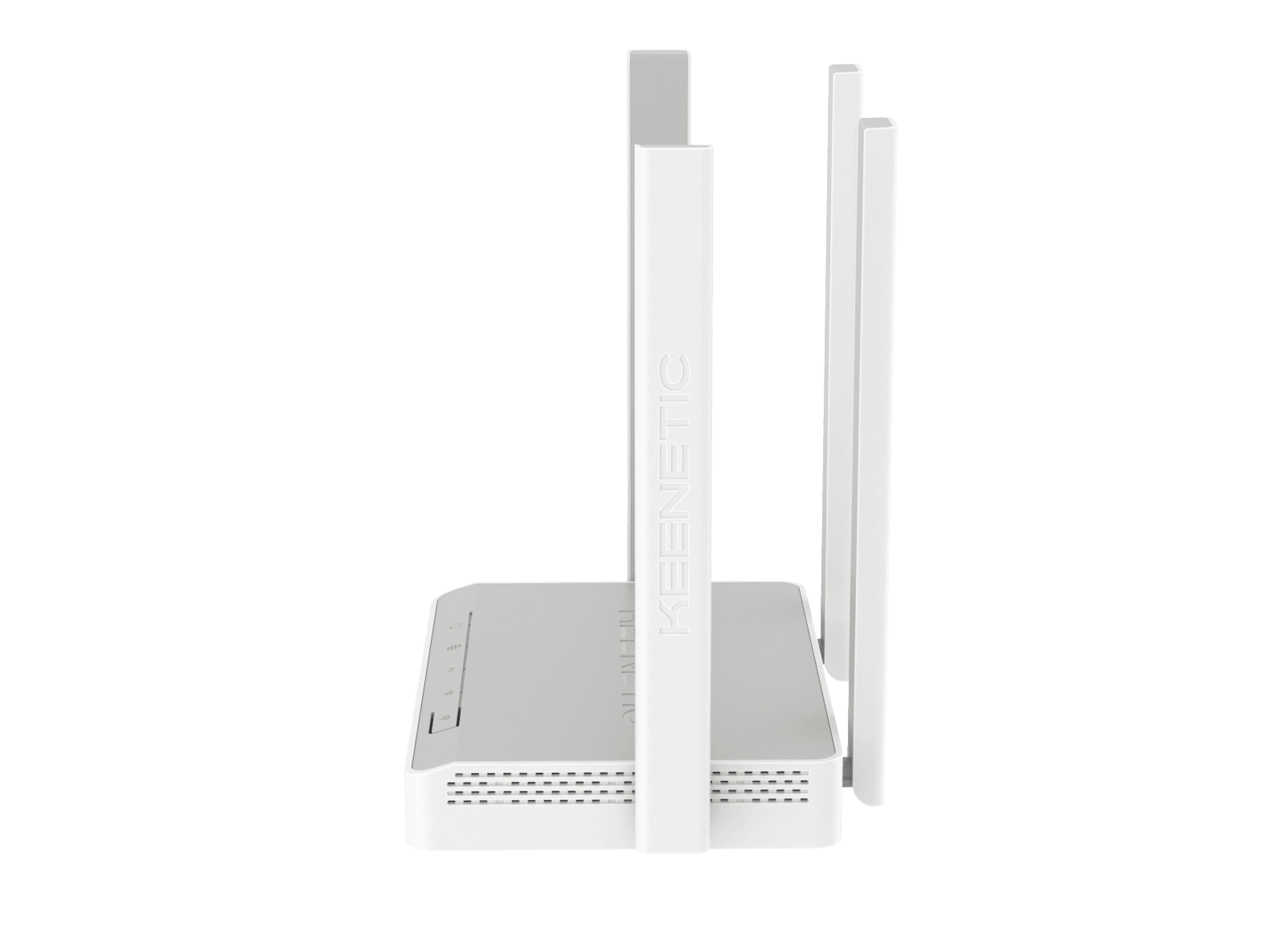
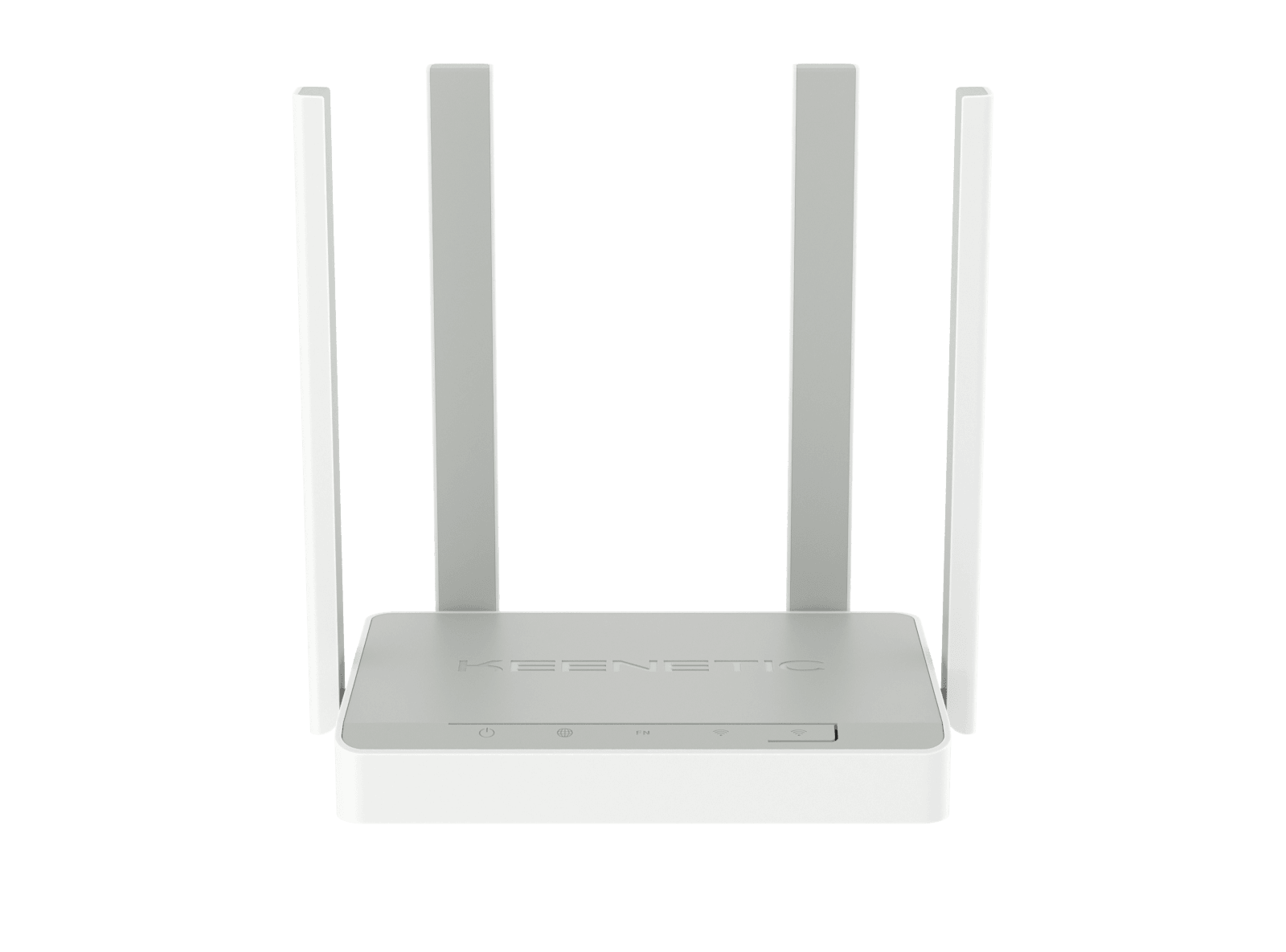
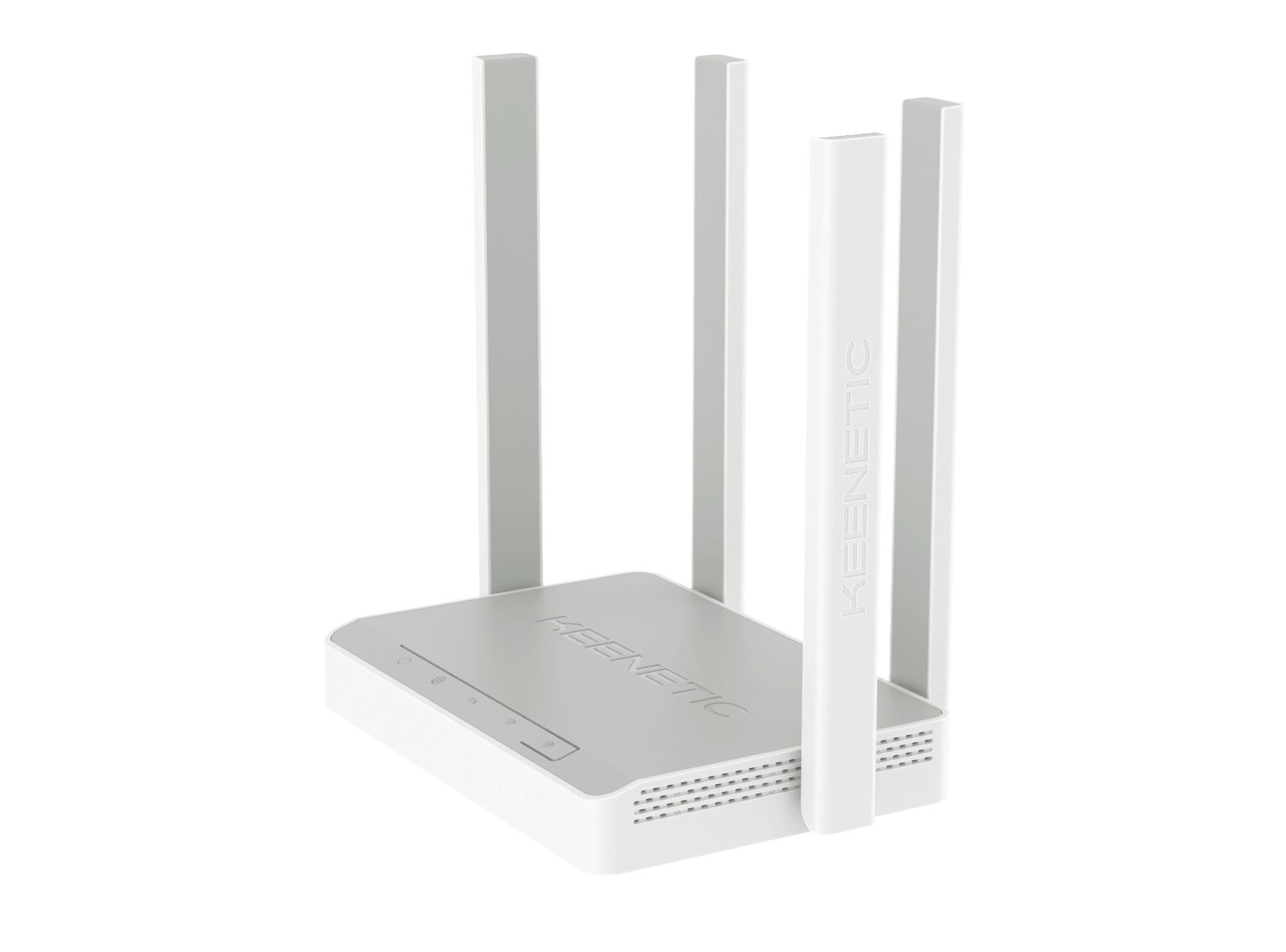
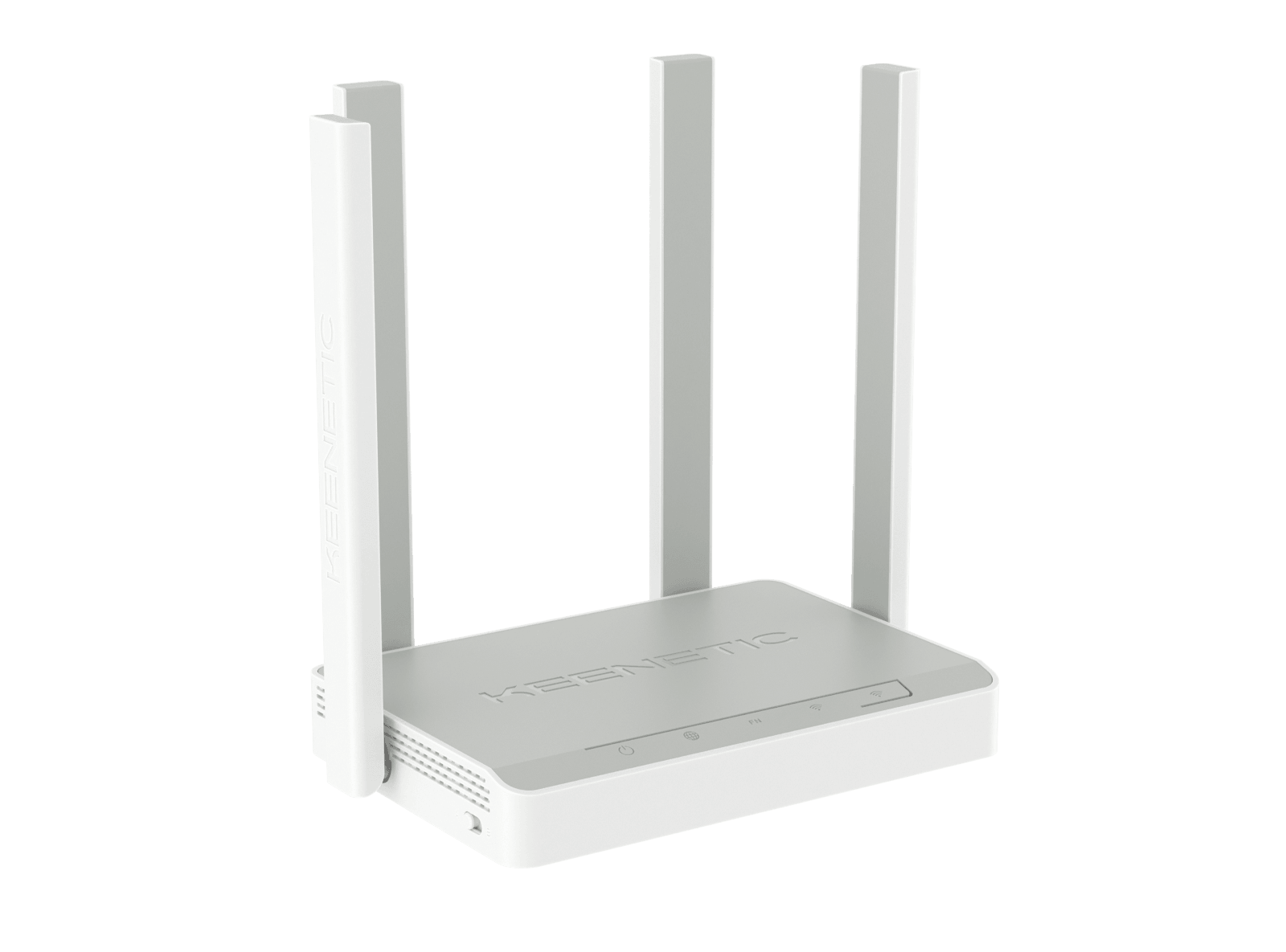
Keenetic Speedster
AC1200 Mesh









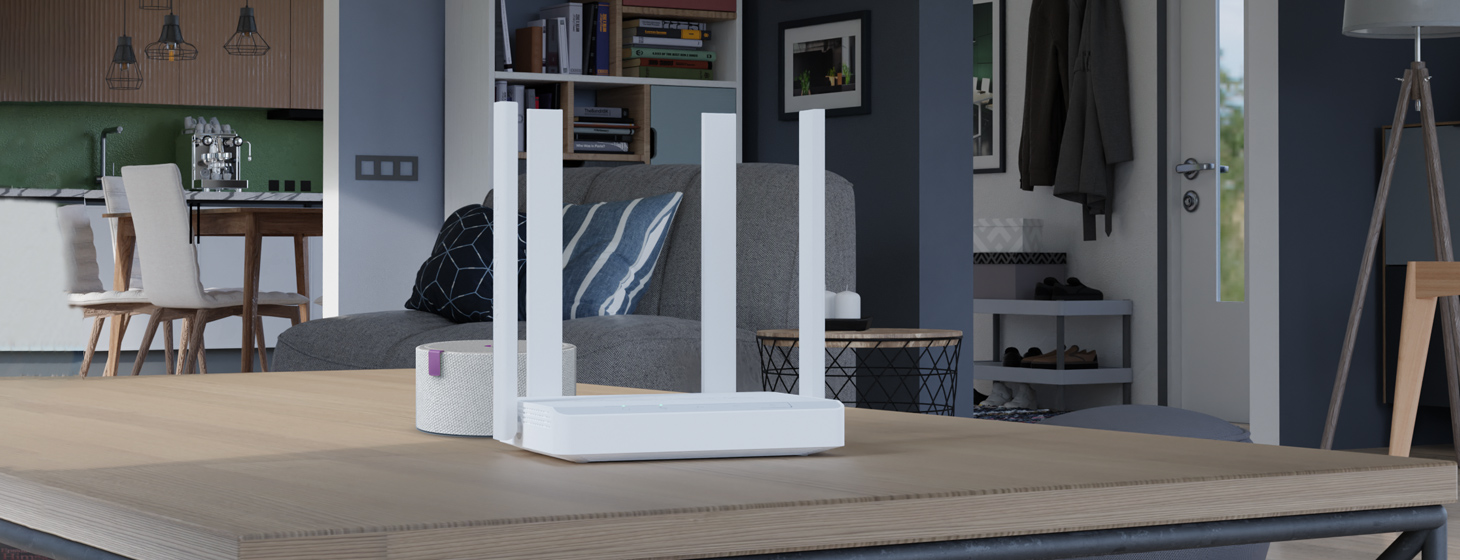
Networking solutions for the forward thinker
Seamless streaming, effortless networking
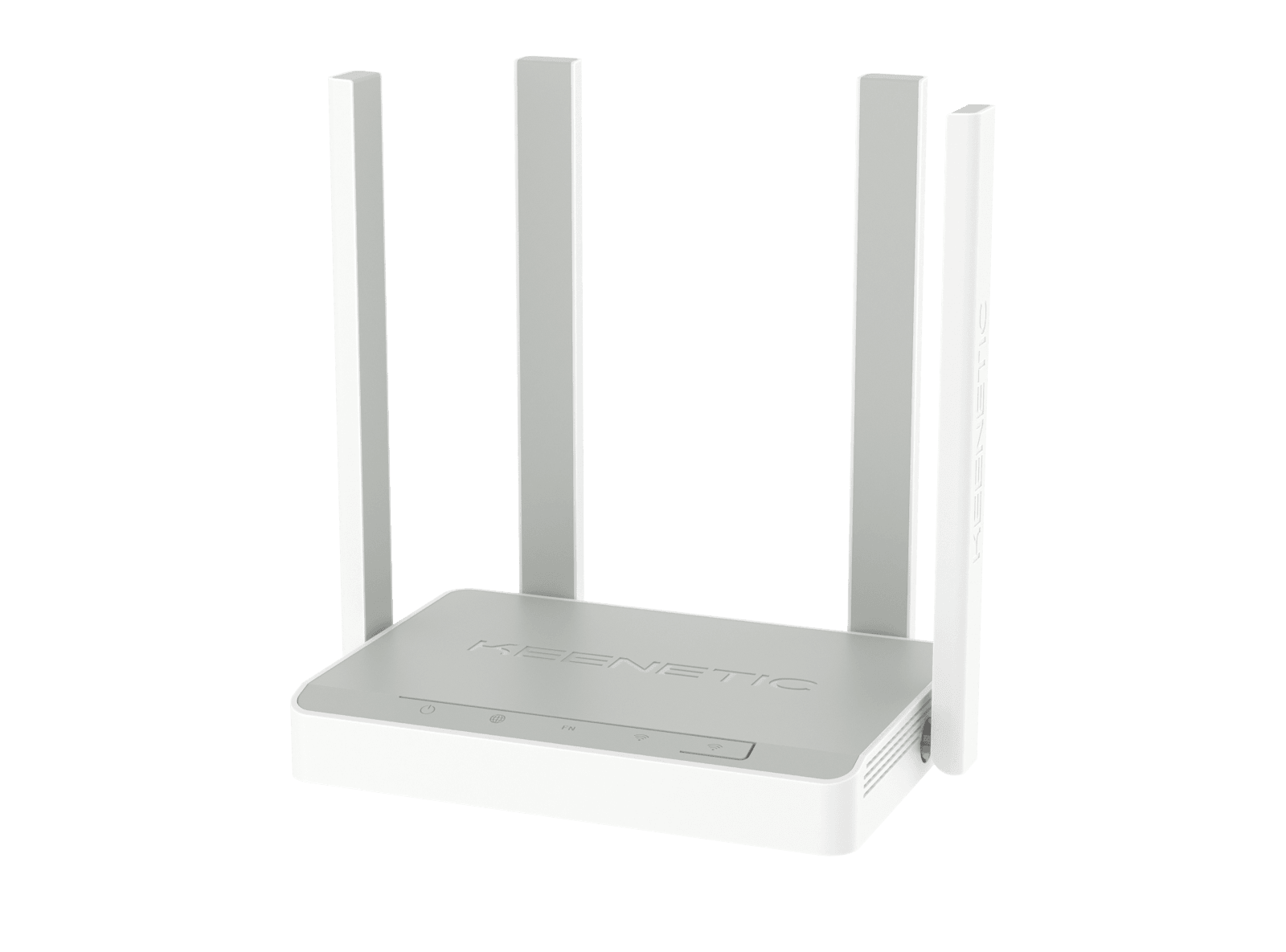
The most affordable Gigabit router in the Keenetic range with Mesh
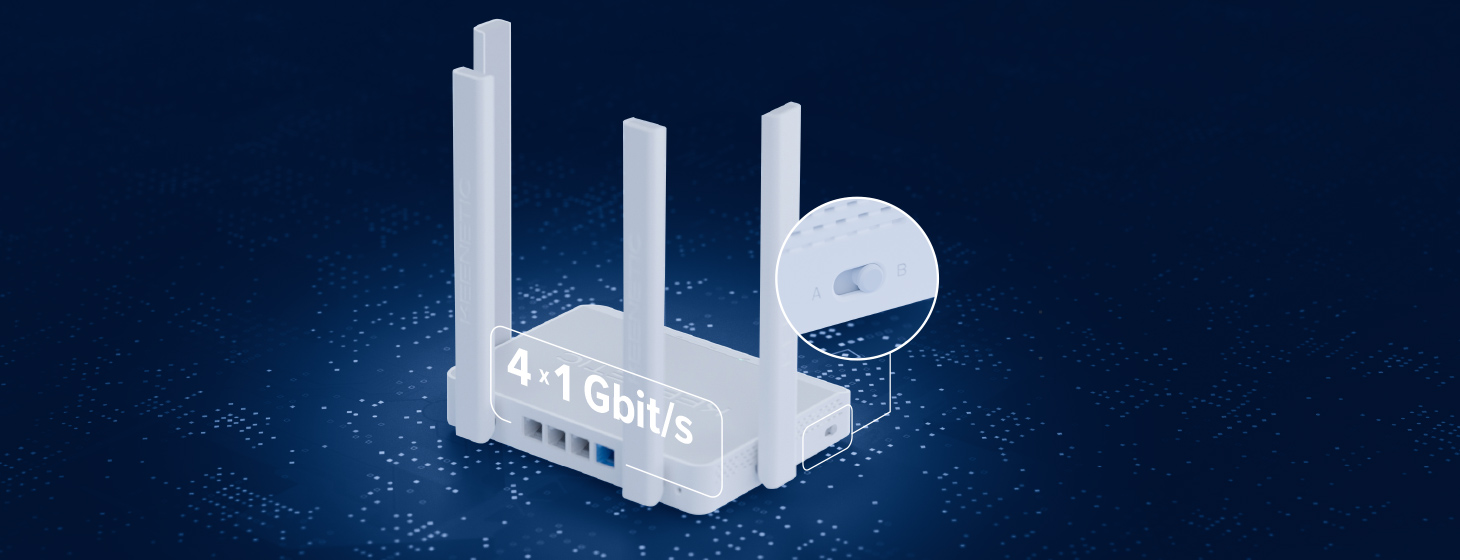
Unleashing the power of seamless connectivity
Streamline your network, streamline your life
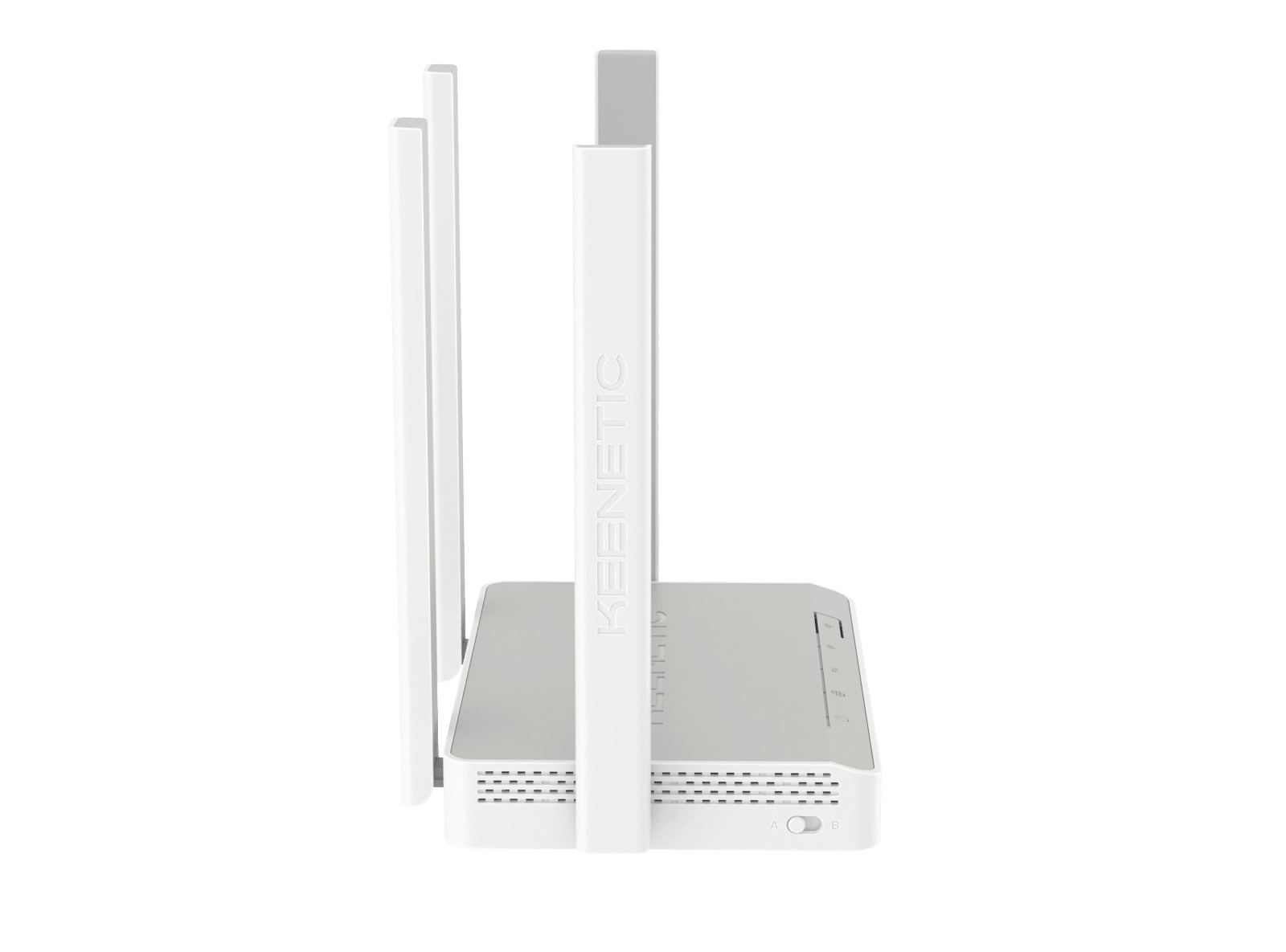
On the other hand, the flick of a mode switch turns the Speedster into an extender, transforming your existing Keenetic router setup into a Gigabit Mesh
Traffic prioritization
Our intelligent traffic prioritization puts your most important applications first. Enjoy uninterrupted video calls, gaming sessions and streaming thanks to our intelligent QoS algorithms.
Whole Home & Mesh Wi-Fi
Say goodbye to dead zones with our Mesh
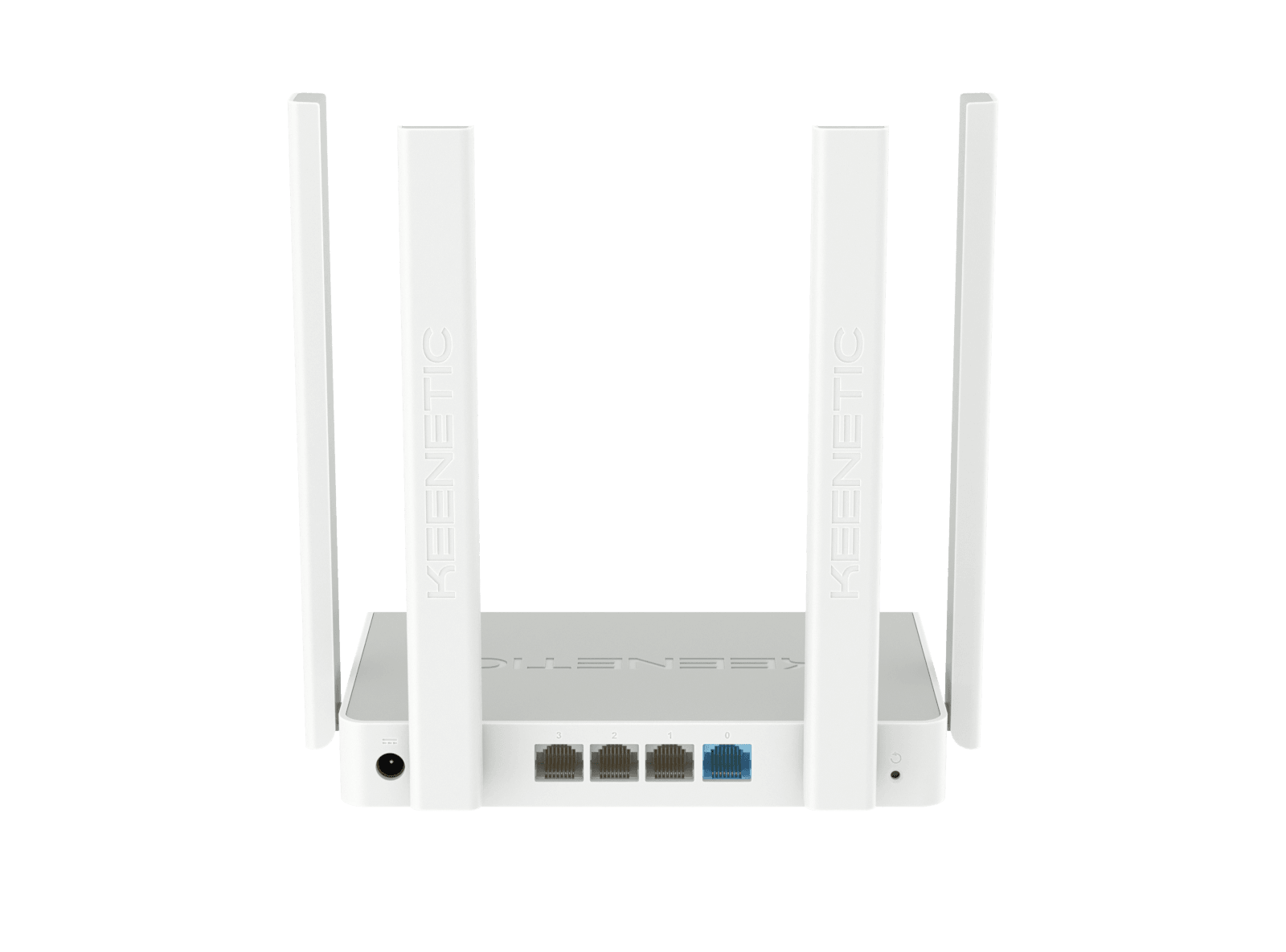
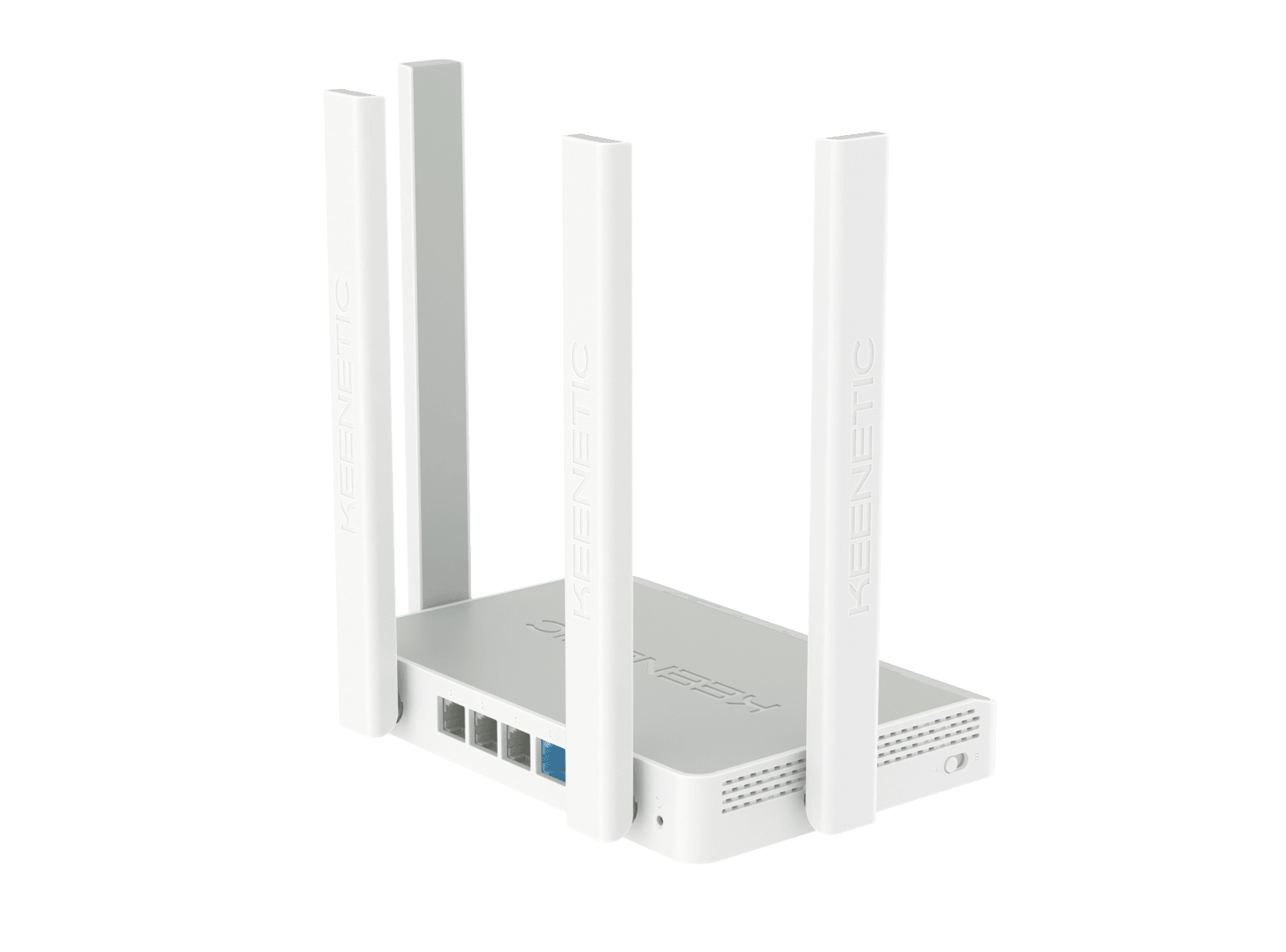
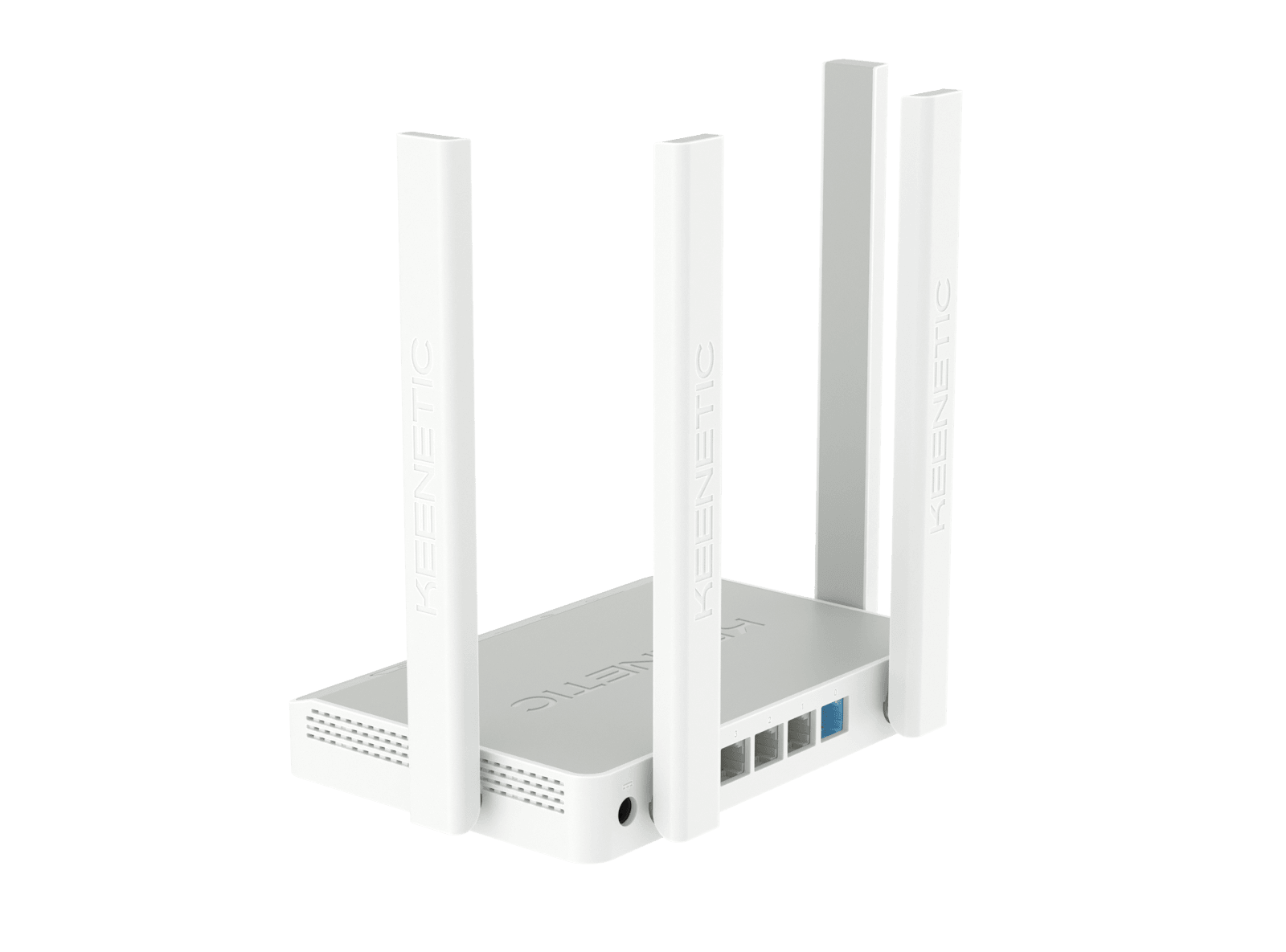
Gigabit ports
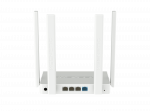
Enjoy full-throttle connectivity with multiple Gigabit ports that provide high-speed wired connections for your most demanding devices — perfect for HD video streaming, gaming, and large file transfers.

The most advanced operating system for your network
KeeneticOS makes managing your network a breeze. With a beautifully designed interface and rich functionality, you can build the most advanced networks that work for your family or business and protect against cyber threats.
Learn more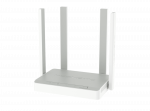



Specifications
| IPoE, PPPoE, PPTP, L2TP, 802.1x | ✔ |
|---|---|
| Multi-WAN | ✔ |
| Policy routing | ✔ |
| Internet connection backup | ✔ |
| Ping Check connectivity monitor | ✔ |
| PPPoE/PPTP/L2TP pass-through | ✔ |
| VLAN IEEE 802.1Q | ✔ |
| Routing table |
✔ |
| IntelliQoS | ✔ |
| DHCP |
✔ |
| IPv6 Dual Stack | ✔ |
| NAT | ✔ |
| IGMP | ✔ |
| UDP to HTTP proxy | ✔ |
| UPnP | ✔ |
| Manual port forwarding | ✔ |
| SPI firewall with protection against DoS attacks | ✔ |
| PPTP |
✔ |
| L2TP over IPsec |
✔ |
| OpenVPN |
✔ |
| SSTP |
✔ |
| Ethernet-over-IP, |
✔ |
| IPsec VPN |
✔ |
| WireGuard | ✔ |
| Dynamic DNS client | ✔ |
| Direct or cloud access via KeenDNS | ✔ |
| HTTPS security for access via KeenDNS | ✔ |
| Cloudflare DNS | ✔ |
| SafeDNS parental control | ✔ |
| AdGuard ad blocker | ✔ |
| Traffic statistics per client | ✔ |
| Bandwidth limit per client | ✔ |
| Access schedule per client or interface | ✔ |
| Guest hotspot with authentication (Captive Portal) | ✔ |
| Cloud-based Remote Network Monitoring and Management | ✔ |
|---|---|
| Mobile app for Android and iOS | ✔ |
| Web Interface with the Initial Setup Wizard and HTTPS security | ✔ |
| Command Line (CLI) via |
✔ |
| An option to control from external network | ✔ |
| Backup and restore configuration | ✔ |
| Automatic OS updates | ✔ |
| System event logging | ✔ |
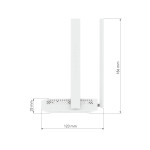
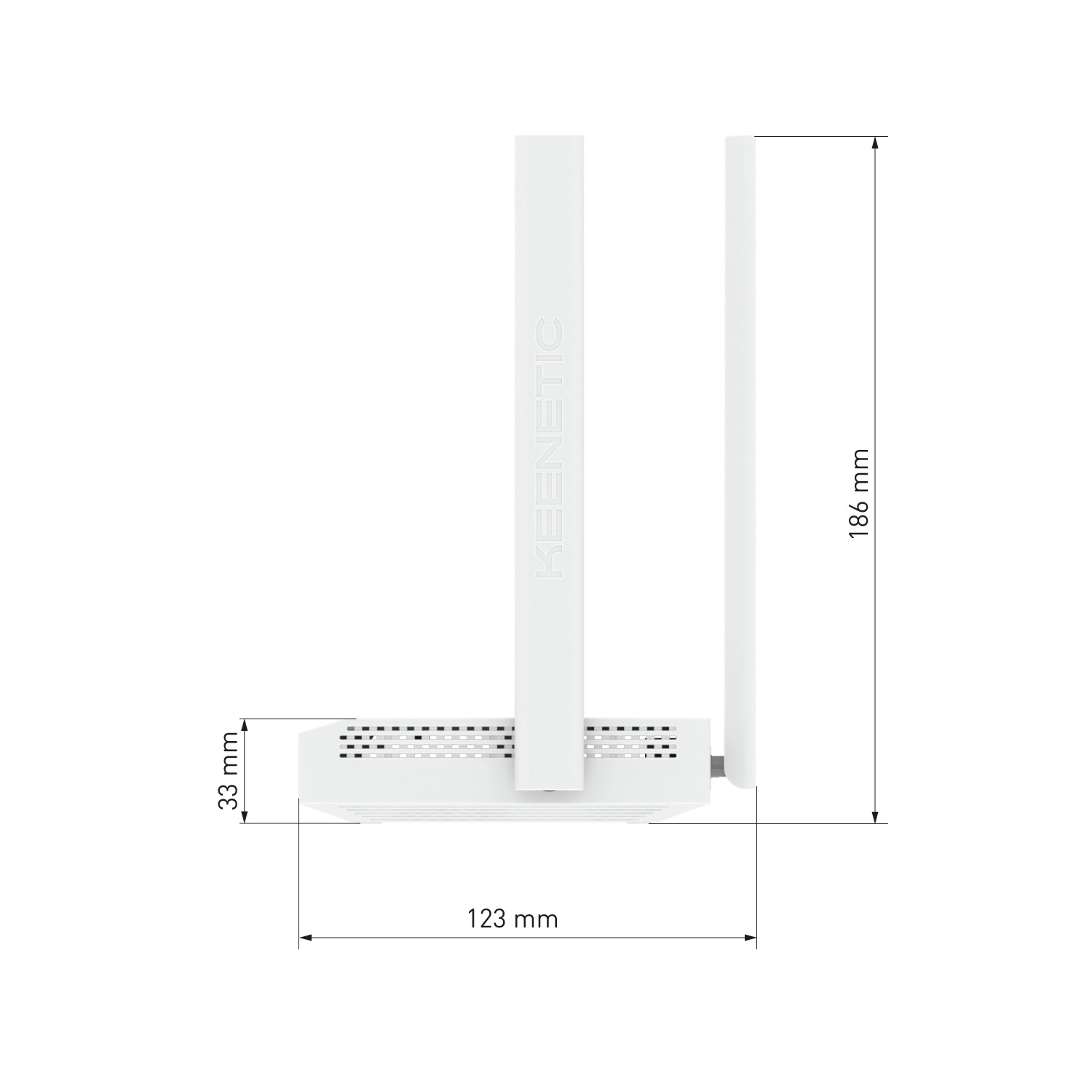
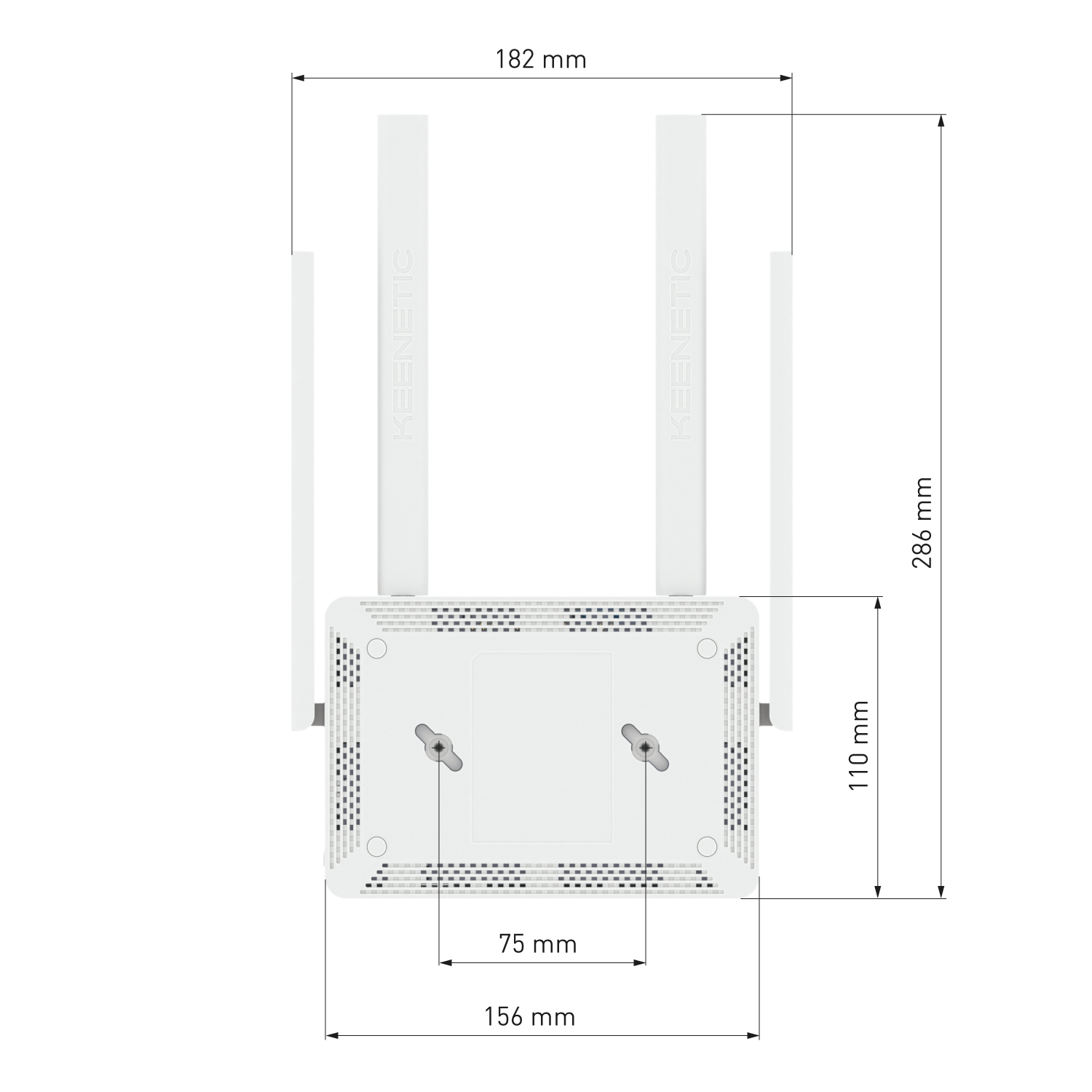
| Device dimensions excluding antenna, w x d x h | 159 mm × 110 mm × 29 mm |
|---|---|
| Device weight | 296 g |
| Operating temperature | 0–40 °С |
| Operating humidity | 20–95% non-condensing |
| Power supply voltage |
100–240 V |
| Device | ✔ |
|---|---|
| Power adapter | 12 V 1 A |
| Ethernet cable | ✔ |
| Quick start guide | ✔ |
| EU Declaration of Conformity | CE-KN-3012-EN |
|---|---|
| EU Data Act Statement | Routers |
| Keenetic Speedster (KN-3010) |
| Multilingual quick start guide |
|---|
| Your Keenetic device is ONLY for indoor use — NEVER use it outside. |
|---|
| Before use, remove protective labels from your Keenetic device, and ensure vents are unblocked. |
| Never use your Keenetic device in an enclosed space, and ensure that the Keenetic-supplied power adapter is always easily accessible. |
| ONLY use a Keenetic-supplied power adapter — cease to use any damaged adapter IMMEDIATELY. |
| Your Keenetic device and its power adapter contain no user-serviceable parts — DO NOT OPEN. |
| Keep your Keenetic device away from water, excessive humidity or heat, and direct sunlight. |
| Your Keenetic device can be safely wall-mounted using two screws, firmly attached, on any wall surface strong enough to support 4 times the device's weight. |
| See details |
|---|